Step-by-Step Guides to Help You Get the Most Out of Medicare EHR
Whether you're onboarding a new clinic or training clinical staff, our guides walk you through every workflow with clear, actionable steps.
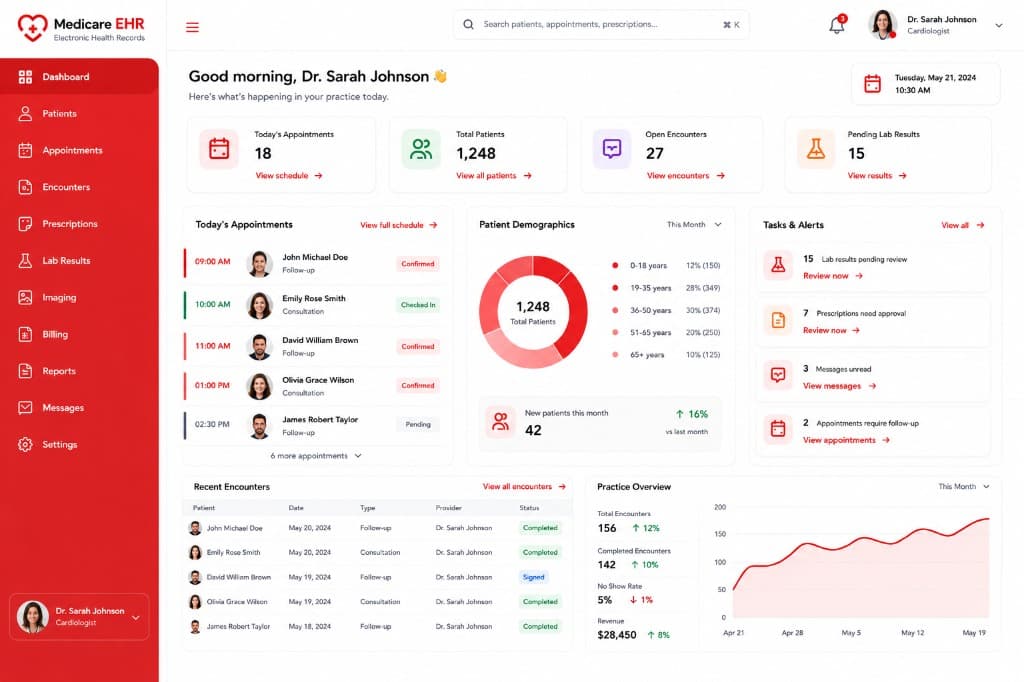
Browse by Topic
Browse by Topic
Getting Started
Organization setup, user roles, locations, and your first login walkthrough.
8 Guides
Appointments
Scheduling templates, reminders, OPD queue intake, and calendar management.
6 Guides
Patient Management
Registration, demographics, medical history, and the unified patient chart.
10 Guides
Clinical Documentation
Encounters, progress notes, problem lists, orders, and clinical decision support.
12 Guides
Prescriptions
e-prescribing, medication lists, pharmacy workflows, and verification queues.
7 Guides
Billing & Claims
Service charges, invoices, payments, revenue dashboards, and claims submission.
9 Guides
Popular Guides
View all guides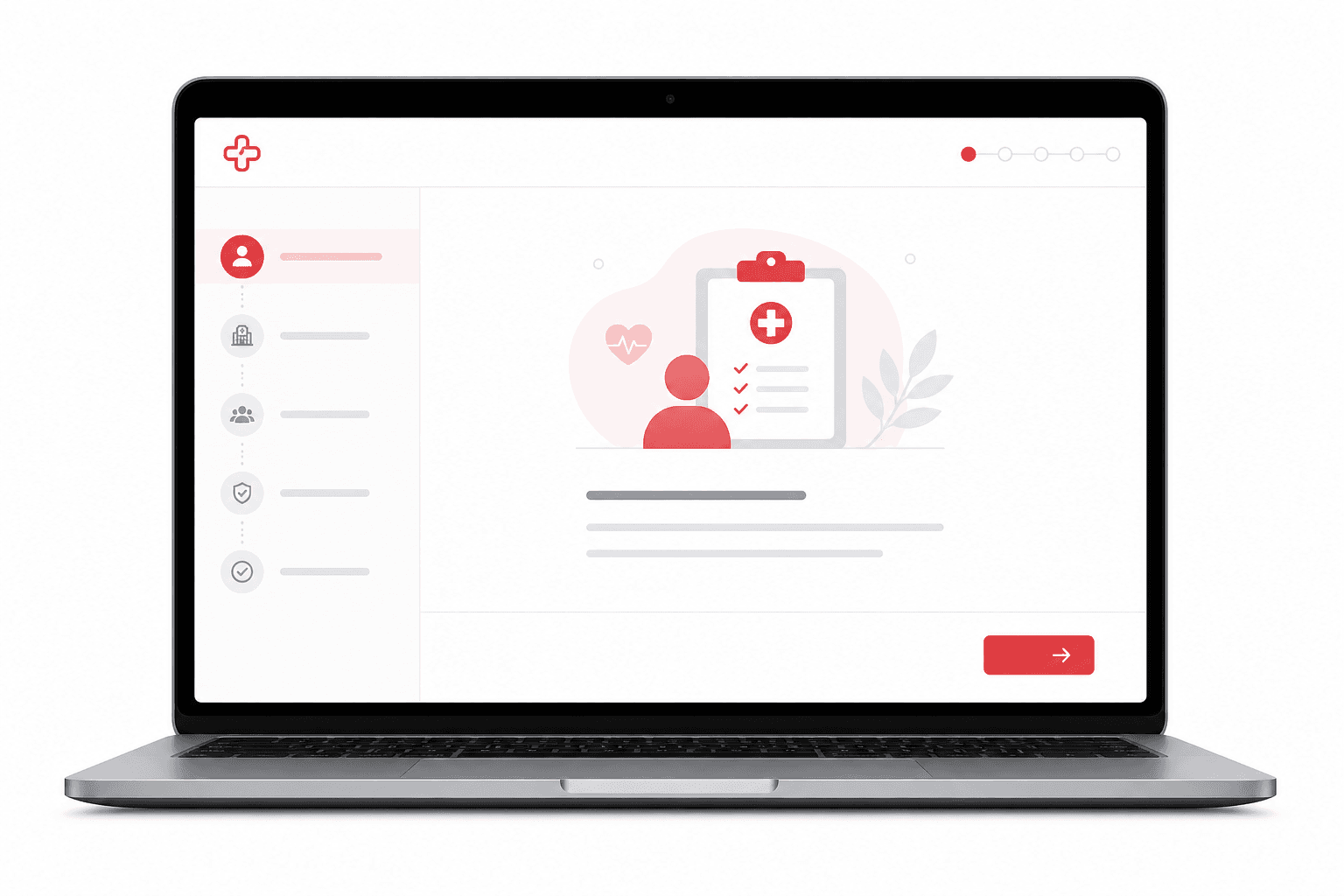
Set Up Your Practice in Medicare EHR
Configure your organization tenant, locations, roles, MFA, and operational defaults so your hospital or clinic can go live with confidence.
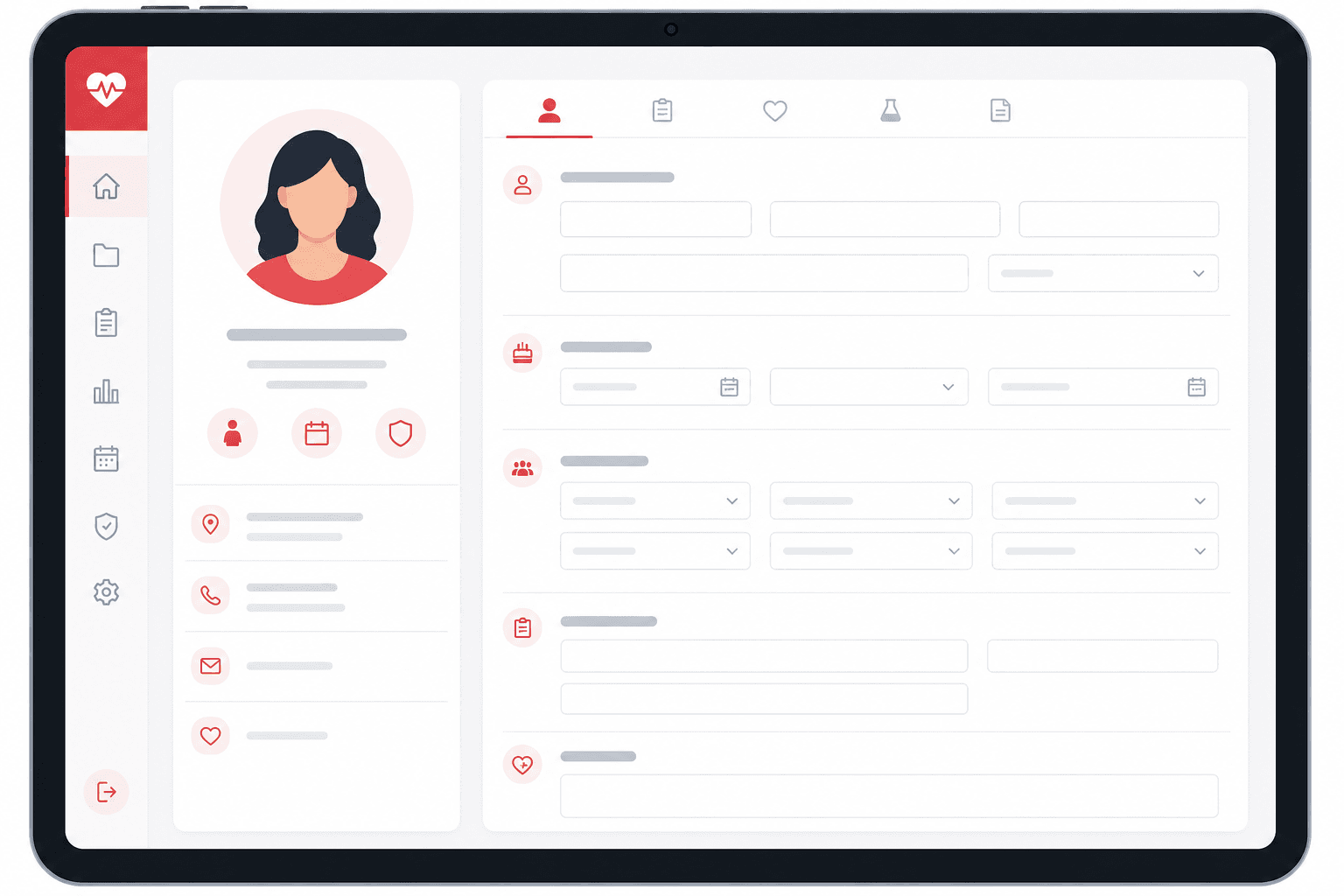
Register Your First Patient
Capture demographics, insurance, emergency contacts, medical history, and consent — the foundation of every clinical workflow in Medicare EHR.

Document Your First Encounter
Run a complete clinical visit — vitals, SOAP note, problem list, CPOE orders, CDS alerts, and signed documentation that flows to billing.
Learn Step-by-Step
Follow our recommended learning path to become an expert.
Step 1
Set Up Your Account
Create your organization and configure admin access.
5 min
Step 2
Add Patients
Register patients and complete intake profiles.
8 min
Step 3
Schedule Appointments
Build templates and manage your daily calendar.
6 min
Step 4
Document Encounters
Run clinical visits with notes, orders, and vitals.
10 min
Step 5
Manage Billing
Generate charges, collect payments, and review revenue.
7 min

Need More Help?
Explore our Help Center, watch video tutorials, or reach out to our support team for hands-on assistance.